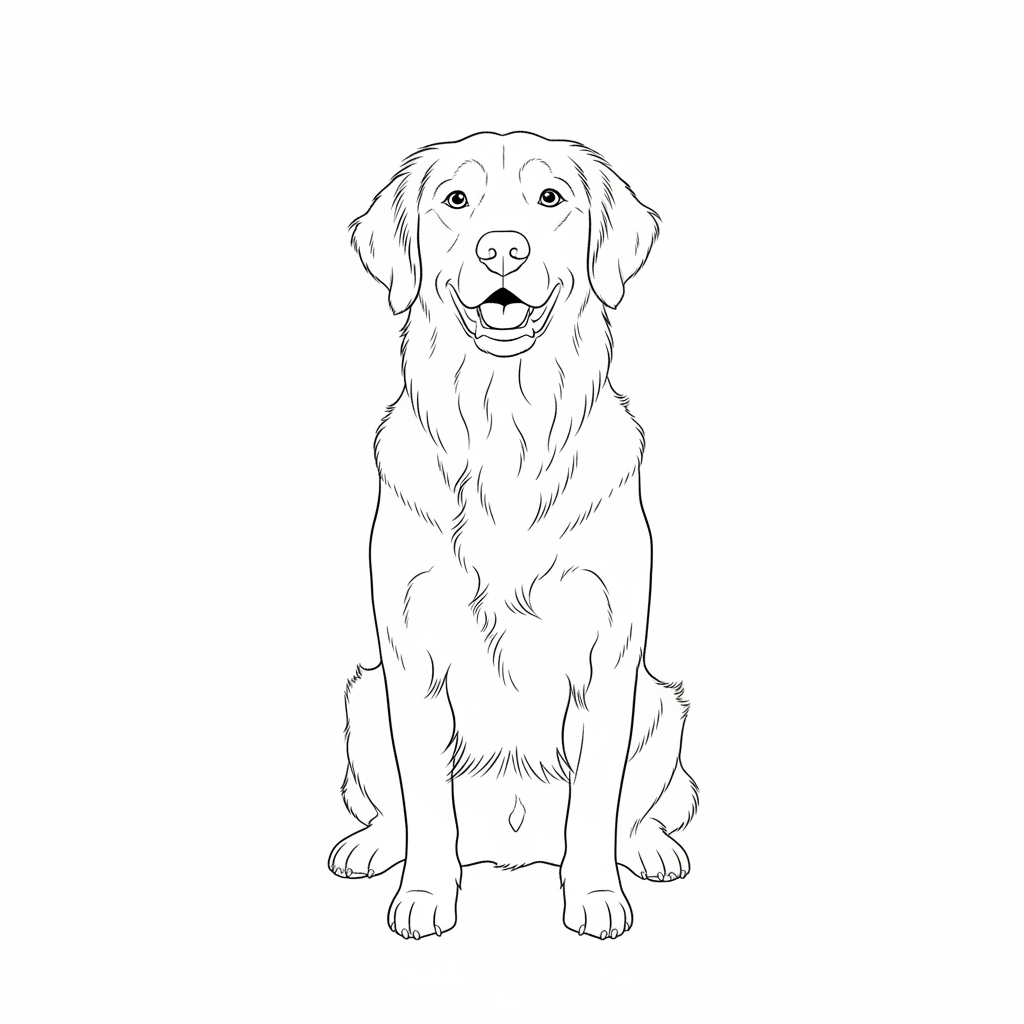
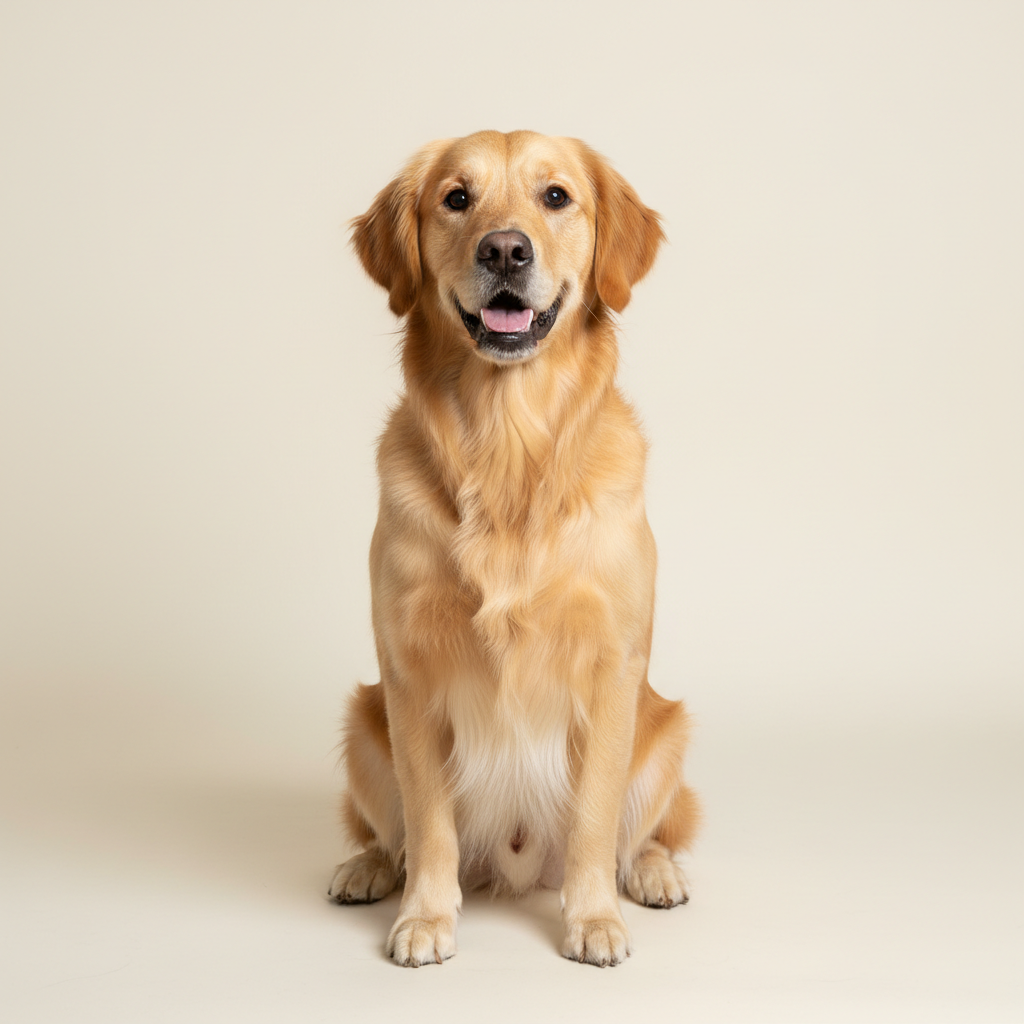
CAD and CNC workflows
Create scalable vector line art for CAD references, CNC preparation and technical documentation.
From photo to SVG, JPG to DXF or image to coloring page — always the same simple flow.
Upload a photo, logo, sketch or product image — JPG, PNG or WEBP.
Pick what you need it for: line art, laser/CNC, coloring page, tattoo and more.
The AI detects edges and creates clean, smooth black-and-white lines.
Download PDF, SVG or DXF and use the file right away.
Lineora Studio is a browser-based image-to-line-art converter. Upload a photo, logo or sketch, generate a clean black-and-white drawing, and export it as SVG, DXF or PDF while preserving the original proportions.
Create scalable vector line art for CAD references, CNC preparation and technical documentation.
Turn clear subjects and logos into clean paths for laser, cutting and plotting workflows.
Produce outlines for coloring pages, tattoo concepts, illustrations and printable designs.
Lineora Studio converts photos, logos, sketches and product images into clean black-and-white line drawings.
You can export line art as SVG, DXF and PDF for CAD, CNC, laser cutting, plotters and print workflows.
Yes. The converter keeps the source-image proportions and fits the complete drawing inside the selected output area.